






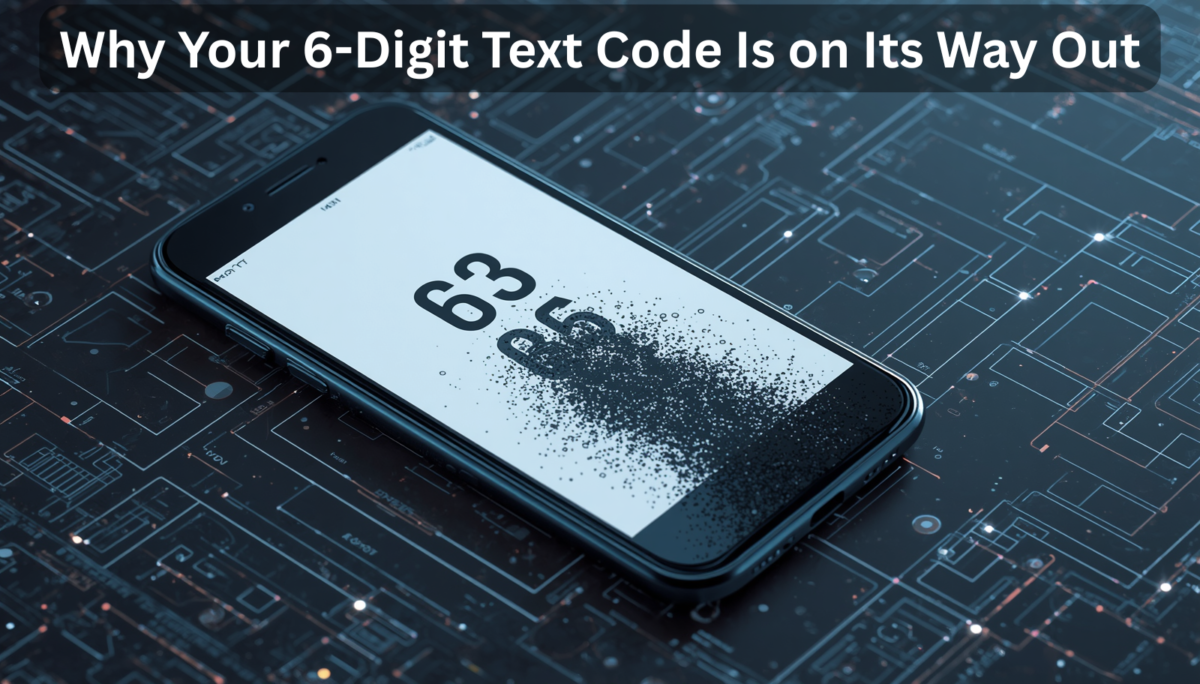
Millions of individuals use the same method each morning to access their work systems: enter a password, wait for a text message with a six-digit code, enter that code as well, and then start working. It’s become as commonplace as brewing coffee.
However, there’s a compelling reason why that pattern is silently fading.
The Problem With Codes You Can Intercept
SMS-based login has always been predicated on the idea that a hacker would require both physical access to your phone and knowledge of your password. That was a plausible assumption for a time. To gain access, thieves would have to physically take your device.
That presumption is no longer valid. Your phone is completely unnecessary for modern attackers. They make advantage of real-time automated technologies. In a typical assault known as a “man-in-the-middle,” a hacker creates a website that appears just like the login page for your business. Their method instantaneously transmits your code to the actual website as you enter it, hijacking your session before you ever realize it. It takes less than a second to complete.
In a different technique, hackers get your cell provider to move your phone number to a SIM card under their control so they may completely intercept your text messages. Telecom firms deal with hundreds of requests for SIM changing each year.
The fundamental issue is that SMS codes and passwords are “shared secrets.” The website and you are both aware of the same facts. Even with encryption, there is still a chance that the data you send over the internet will be intercepted or rerouted. A secret may be stolen as long as it can be shared.
The New Approach: Your Device Becomes Your Identity
Asymmetric cryptography, which sounds scary but operates on a surprisingly simple principle, replaces shared secrets.
Your device creates two mathematically connected keys—a public key and a private key—instead of requiring both participants to know the same password. You may provide copies of the public key to anyone; think of it as a padlock. It can only be opened with the private key, which never leaves your device. Never. It is kept within a special security chip on your laptop or phone that is made to keep the key from being removed, even in the event that the device is physically interfered with.
The website delivers a random challenge, like to a puzzle, to your device when you attempt to log in. Your gadget uses its private key to solve that problem and transmits the solution. Your public key is used by the website to verify the response. You are verified if it matches. The private key never crossed the internet, which is crucial. Nothing could be intercepted.
You may have previously come across technologies that you don’t completely comprehend, but they are powered by this method, which is standardized worldwide under the term FIDO2.
The Technologies Making This Real
The most obvious manifestation of this change is passkeys. Your browser communicates directly with your device’s security hardware to manage the login when a website supports passkeys. You may log in using Face ID, a fingerprint, or a PIN. There are no passwords to memorize or codes to enter.
Passkeys include a particularly sophisticated security feature: before authenticating, the system verifies the website’s genuine web address. The passkey just won’t function if a hacker makes a phony login page at a lookalike website. How convincing the phony website appears is irrelevant. The hacker receives nothing when the cryptographic check quietly fails.
This is made possible in business settings by Windows Hello for Business, which links employee authentication to the particular laptop hardware. It is not possible to use a credential that is registered on a company-issued device from a random internet café computer.
YubiKeys and other hardware security keys expand on the idea. The private key is physically contained in these tiny USB devices. The key must be physically plugged in or tapped against your phone in order to log in. Something that has to be physically present cannot be stolen from a distance.
What This Looks Like Inside a Company
It takes more than just flicking a switch to implement something throughout a huge business. Since IT administrators and executives are the most frequently targeted, a conscientious organization usually begins by safeguarding its most vulnerable accounts first. As a result, they promptly switch to hardware security keys and eliminate SMS backup.
The general workforce is then progressively transitioned to biometric login and passkeys on their work devices. The change is intended to be as seamless as possible because humans are creatures of habit. Adoption is aided by the fact that scanning your face to log in is actually quicker than waiting for an SMS.
Onboarding is one of the most difficult tasks. How can a new hire get started if they don’t yet have a password or a registered device? A Temporary Access Pass, a one-time, time-limited code created by the IT department prior to the employee’s first day, is the solution. They register their face or security key with it once during orientation, after which it expires. Behind them, the backdoor shuts.
Another area that needs close attention is recovery. If a hacker can just contact the IT help desk, pretend to be a stranded employee, and talk their way into a manual password reset, then all the advanced cryptographic protection in the world is nothing. Before any reset is permitted, modern security regulations demand identity verification via secure video conversations or management clearance.
The last step is to just completely disable SMS authentication once the staff is at ease with the new system. The attack surface is significantly reduced and the previous path is blocked.
The Real-World Business Case
Making this change has significant practical benefits in addition to security gains.
Resistance against phishing is the most immediate. Phishing attempts become theoretically impossible, not merely improbable, because passkeys are cryptographically linked to certain website addresses. It has always been impossible to train staff to “spot suspicious links” in the face of more complex fakes. The necessity to win that war at all is eliminated with cryptographic identification.
Another issue is “push fatigue.” Nowadays, a lot of businesses employ authenticator applications that question “Was this you?” over the phone. In the middle of the night, attackers bombard users with these requests until someone unintentionally authorizes one due to fatigue or disorientation. A system cannot be authorized by accident if it involves a conscious physical action, such as pressing a hardware key or staring at a camera.
And lastly, the economics. Telecom providers impose actual, ongoing fees for sending automated text messages to workers throughout a worldwide company. These expenses are completely eliminated by switching authentication to device-side hardware, which also significantly lowers the number of IT helpdesk calls from staff members who are unable to access their accounts.
The Bigger Picture
The move away from SMS verification is not a little security fix. It signifies a basic reconsideration of how identity functions on the internet.
According to the previous paradigm, demonstrate your knowledge of a secret. According to the new model, you must demonstrate that you own a special piece of hardware and that you are there to give permission for its usage. A cunning email can deceive someone. The other is unable to.
This is an important current issue for businesses, not a future one. The risks associated with SMS authentication are currently scalable, automated, and being used against businesses of all sizes. The replacement technology is well-developed, extensively compatible with all major browsers and devices, and, for the most part, more user-friendly.
The 6-digit text code served its purpose. Its replacement is already here, and it doesn’t rely on hoping your employees don’t fall for the next convincing phishing page.
Quotients is a platform for industry, innovators, and investors to build a competetive edge in this age of disruption. We work with our partners to meet this challenge of metamorphic shift that is taking place in the world of technology and businesses by focusing on key organisational quotients. Reach out to us at open-innovator@quotients.com.